You haven't signed in yet, you can have a better experience after signing in
*Please complete the payment within {{receiveCouponInfo.expire_at}}Previous use*
You haven't signed in yet, you can have a better experience after signing in



Activity Rules
1、Activity time:{{ info.groupon.start_at }} ~ {{ info.groupon.end_at }}。
1、Activity time:cease when sold out。
2、Validity period of the Group Buying:{{ info.groupon.expire_days * 24 }} hours。
3、Number of Group Buying:{{ info.groupon.need_count }}x。
Please Pay Attention
1、Teamwork process: Join/initiate a Group Buying and make a successful payment - Within the validity period, the number of team members meets the activity requirements - Group Buying succeeded!
2、If the number of participants cannot be met within the valid period, the group will fail, and the paid amount will be refunded in the original way.
3、The number of people required and the time of the event may vary among different products. Please pay attention to the rules of the event.
Movavi Video Converter 2026 is an easy-to-use video file converter tool
New features of Movavi Video Converter
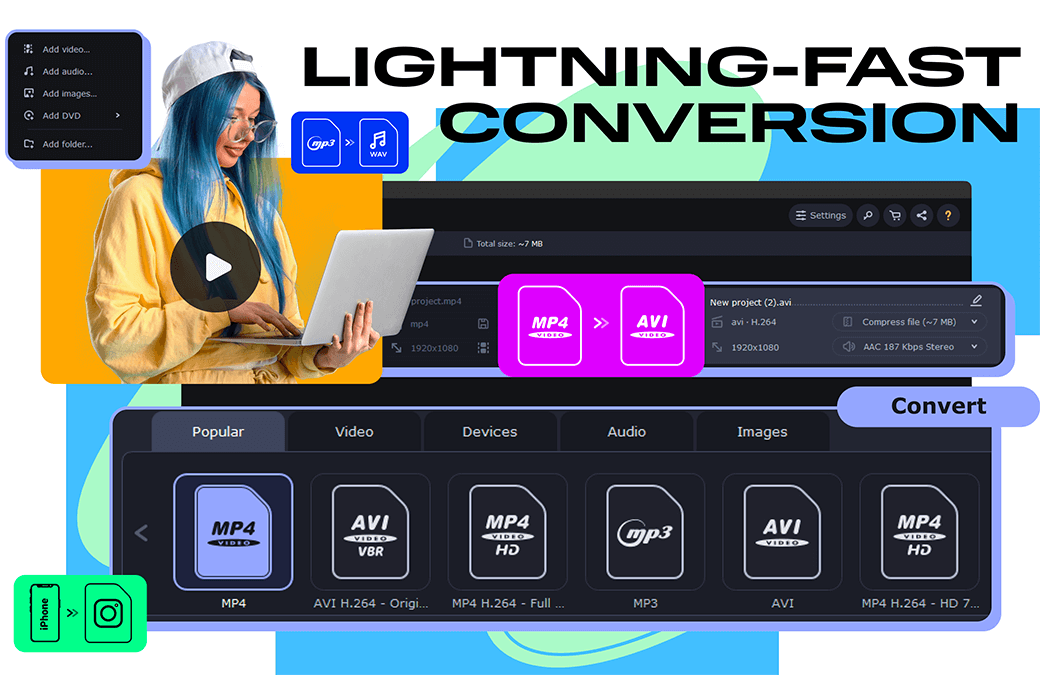
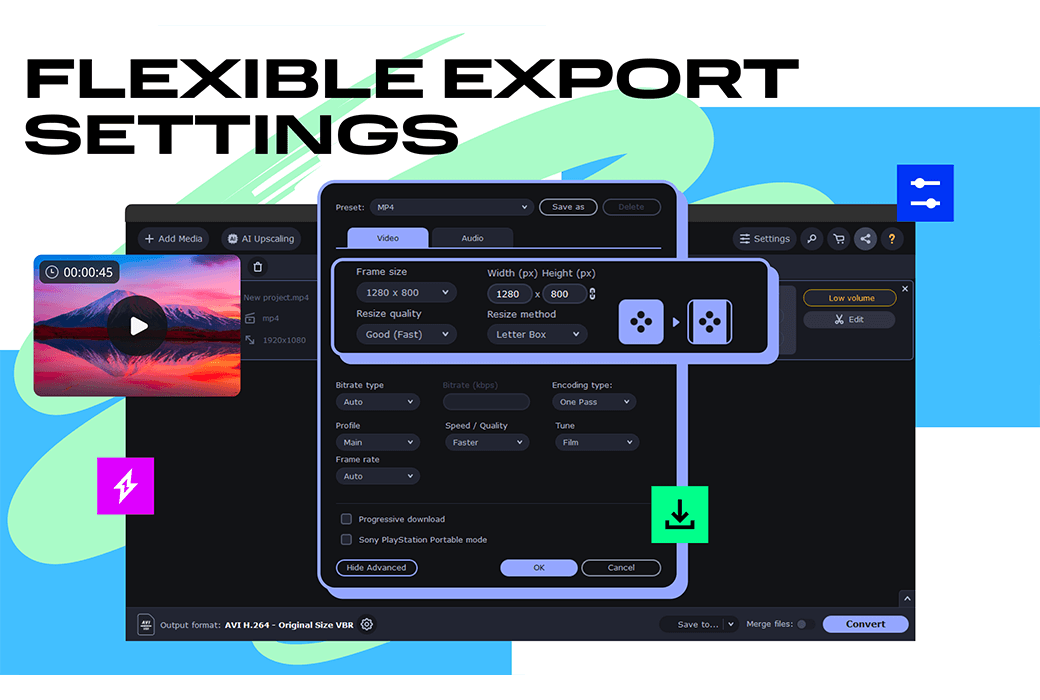
Convert to any format immediately
Convert files with incredible speed and high quality using one of the best video converters. Transfer your movies, music, and images in any format to any platform or device.
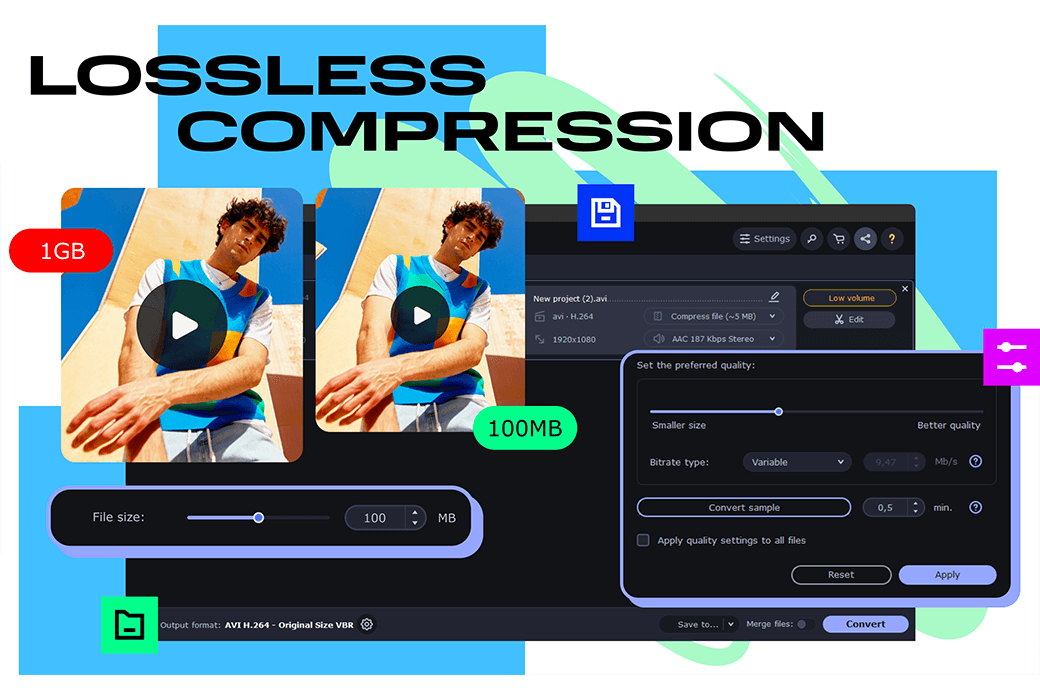
Compress large videos
Compress files without sacrificing quality to save more valuable time.
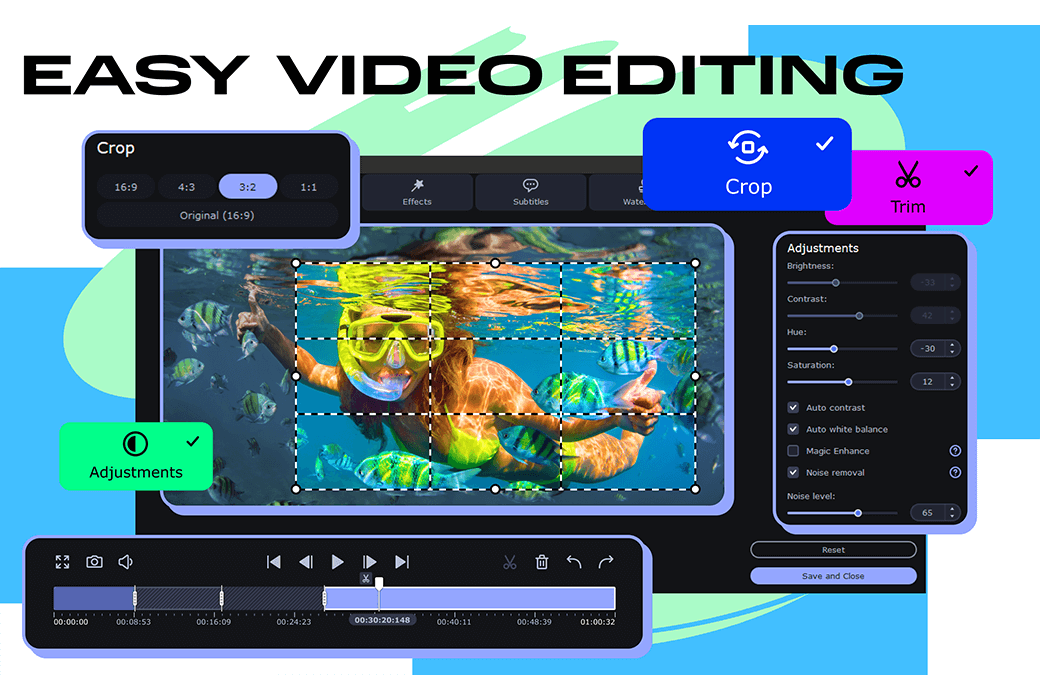
Edit your file
Trim and crop your video. Create exciting clips, adjust colors, and insert effects. Merge multiple files into one file.
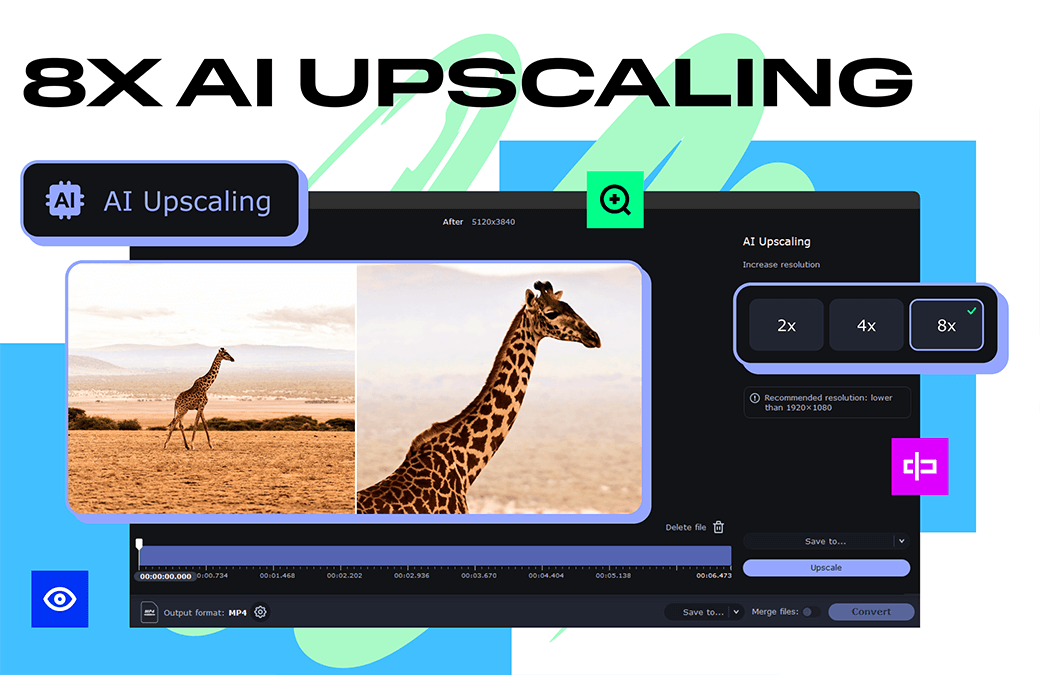
Exploring the improvement of AI quality
Try new AI support features to improve video quality.
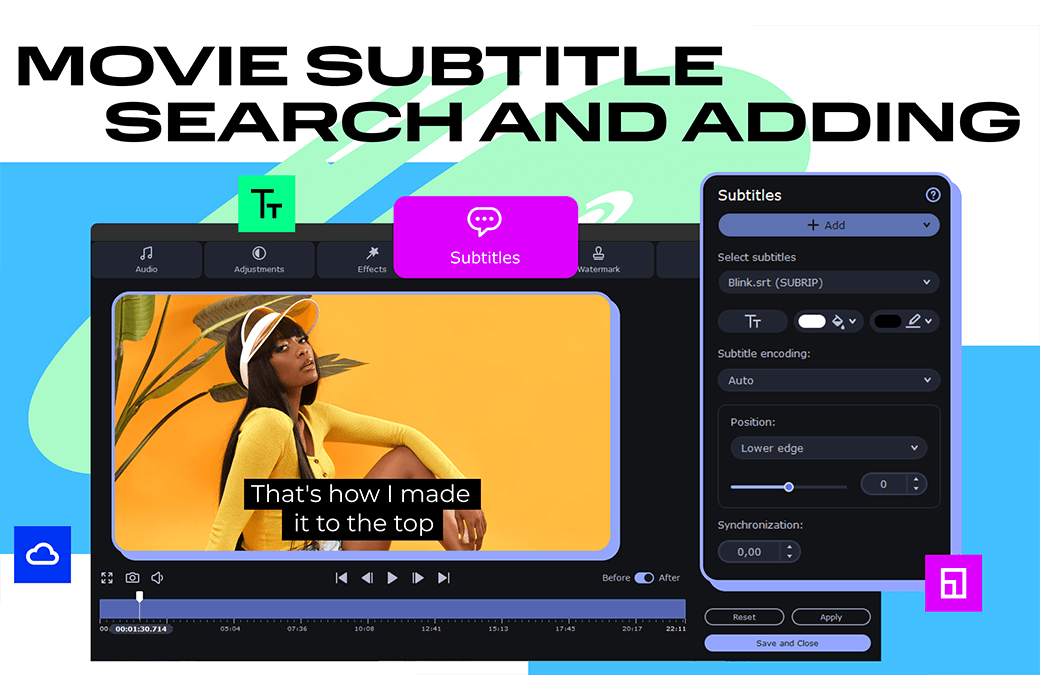
Find and add subtitles
Search for the correct subtitles online on the computer or directly from within the application. Add them to your video immediately.
Official website:https://www.movavi.com/movavi-video-converter.html
Download Center:https://movavivideoconverter.apsgo.cn
Backup Download:N/A
Delivery time:24-hour automatic shipping
Operating Platform:Windows、macOS
Interface language:Supports Chinese interface display and multiple language options.
Update Description:1-year version: supports updates and usage within 1 year, lifetime version: can be used for life, supports minor version upgrades and updates.
Trial before purchase:Free trial is available before purchase.
How to receive goods:After purchase, the activation information will be sent to the email address at the time of placing the order, and the corresponding product activation code can be viewed in the personal center, My Orders.
Number of devices:Can install one computer.
Replace computer:Uninstall the original computer and activate the new computer.
Activation guidance:https://www.movavi.com/cn/support/activatekey/
Special note:To be added.
reference material:https://www.movavi.com/cn/support/

Any question

Offline Activation
Step 1: Open the "Activate" dialog box
Start the program.
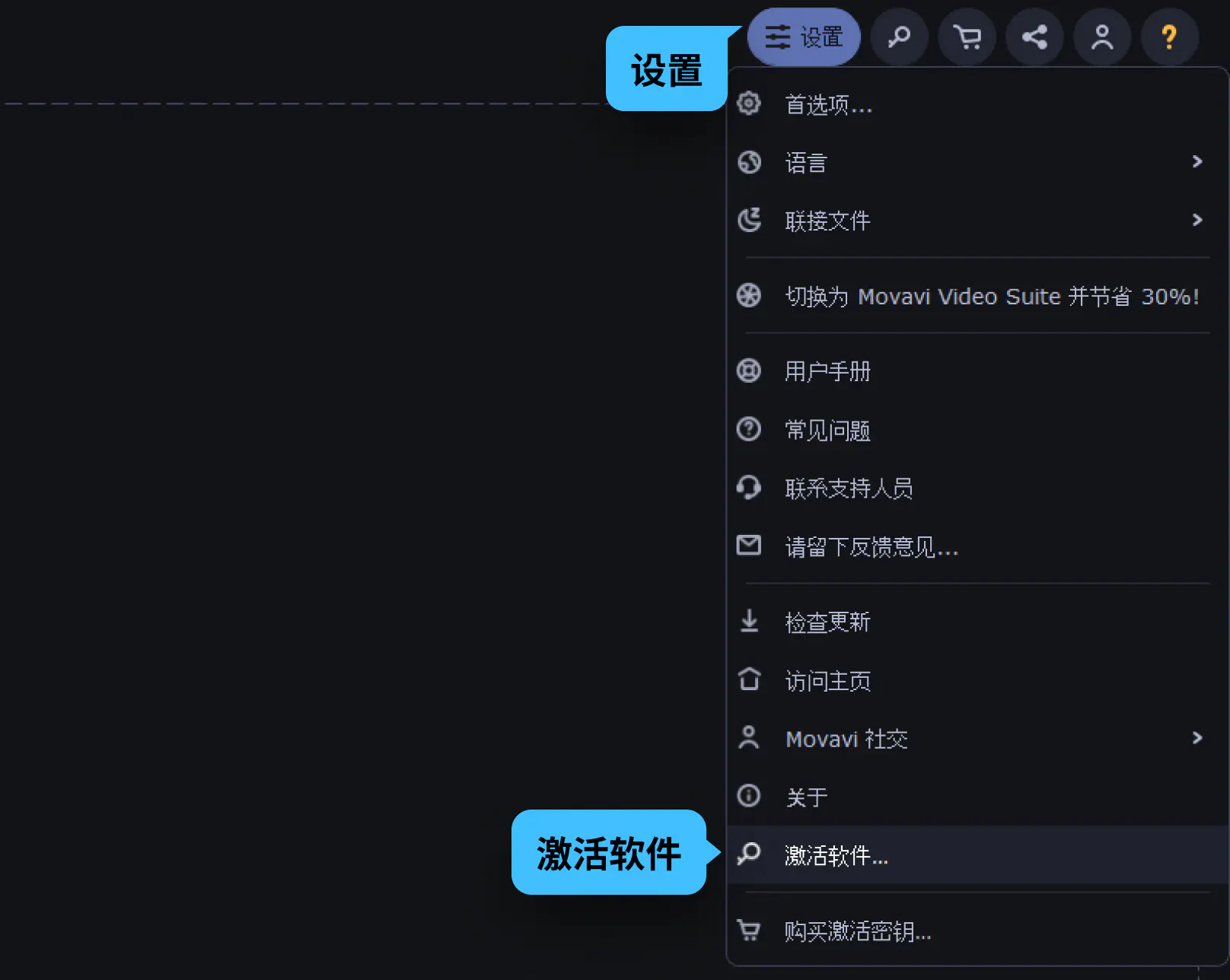
Click the Settings button and select Activate Software.
Step 2: Enter the activation key
Enter or paste your activation key in the corresponding field of the "Activate" dialog box.
Click Activate to proceed to the next step.
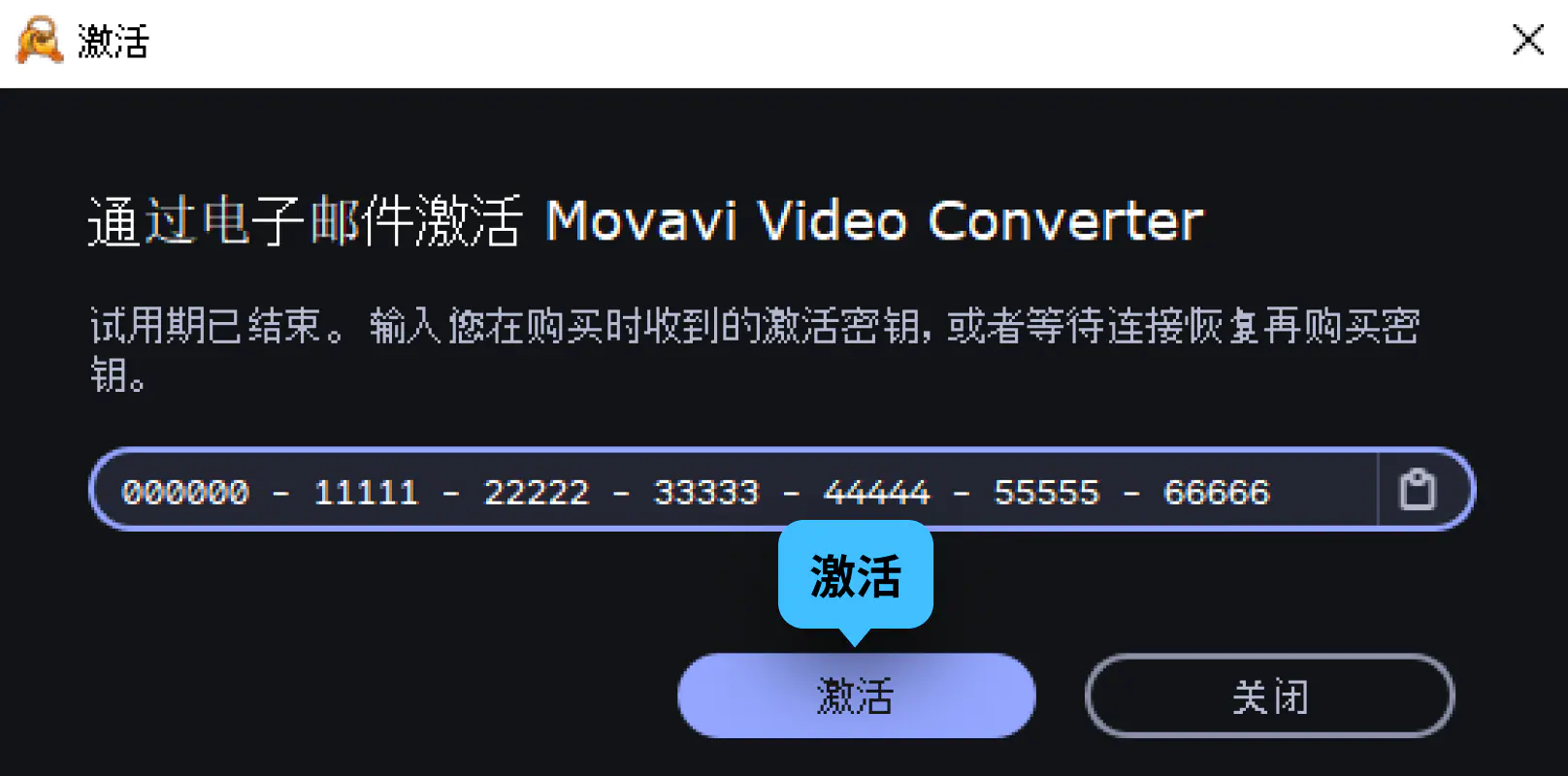
Step 3: Send an email containing the activation key
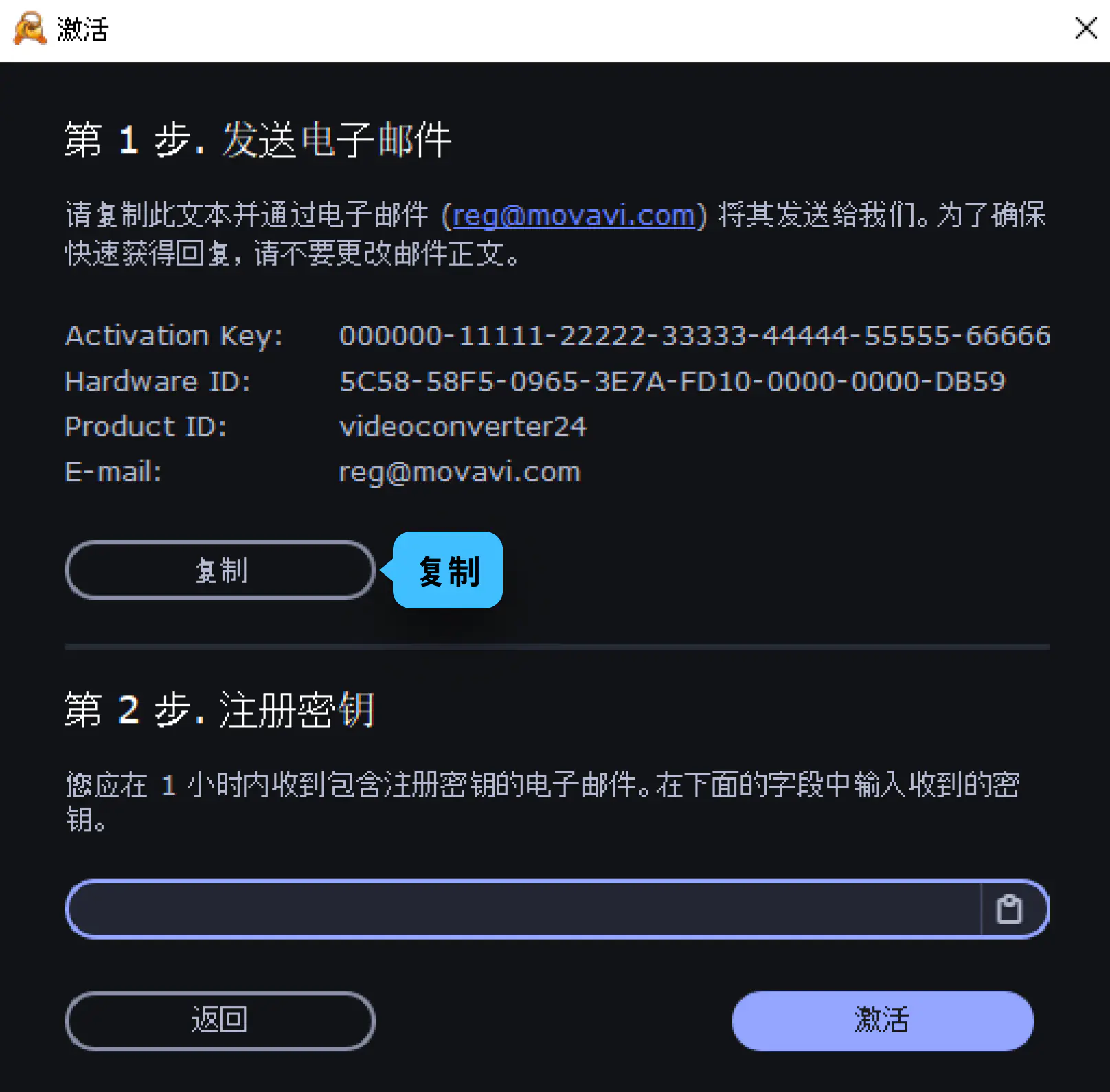
The next page of the "Activate" dialog box contains the information required for offline activation of the program.
You must send this information to us via email. For this, you need a device that can access the internet.
We will then send you the registration key for you to enter in the corresponding field of the "Activation" dialog box.
Firstly, when sending us an email, you need to copy and save this information for later use.
Click Copy to copy the information to the clipboard. Save the text you copied as a text file;
You can easily transfer this file to the device that sends emails.
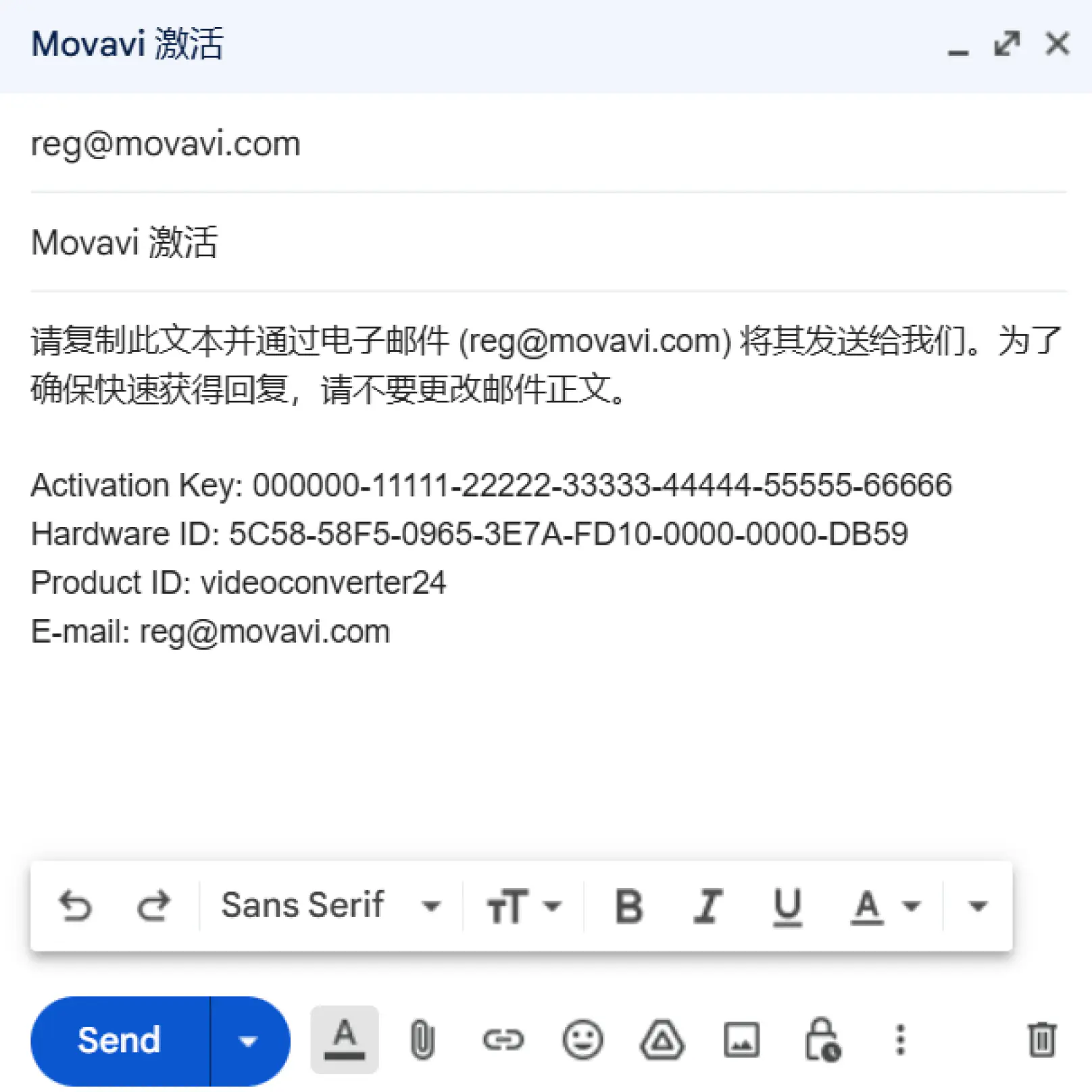
When you have access to the internet, use your commonly used email client to compose emails.
In the email body, please paste the information you copied from the 'Activate' dialog box.
Then send the email to; reg@movavi.com .
In order to receive a response from the activation server as soon as possible, please do not change the information in the email body or add any other content.
After your information is processed, you usually receive an email containing the registration key within one hour.
If you have not received the registration key, please check your spam folder.
Copy the registration key from the email to the corresponding field in the "Activation" dialog box.
Click Activate to complete the activation process.
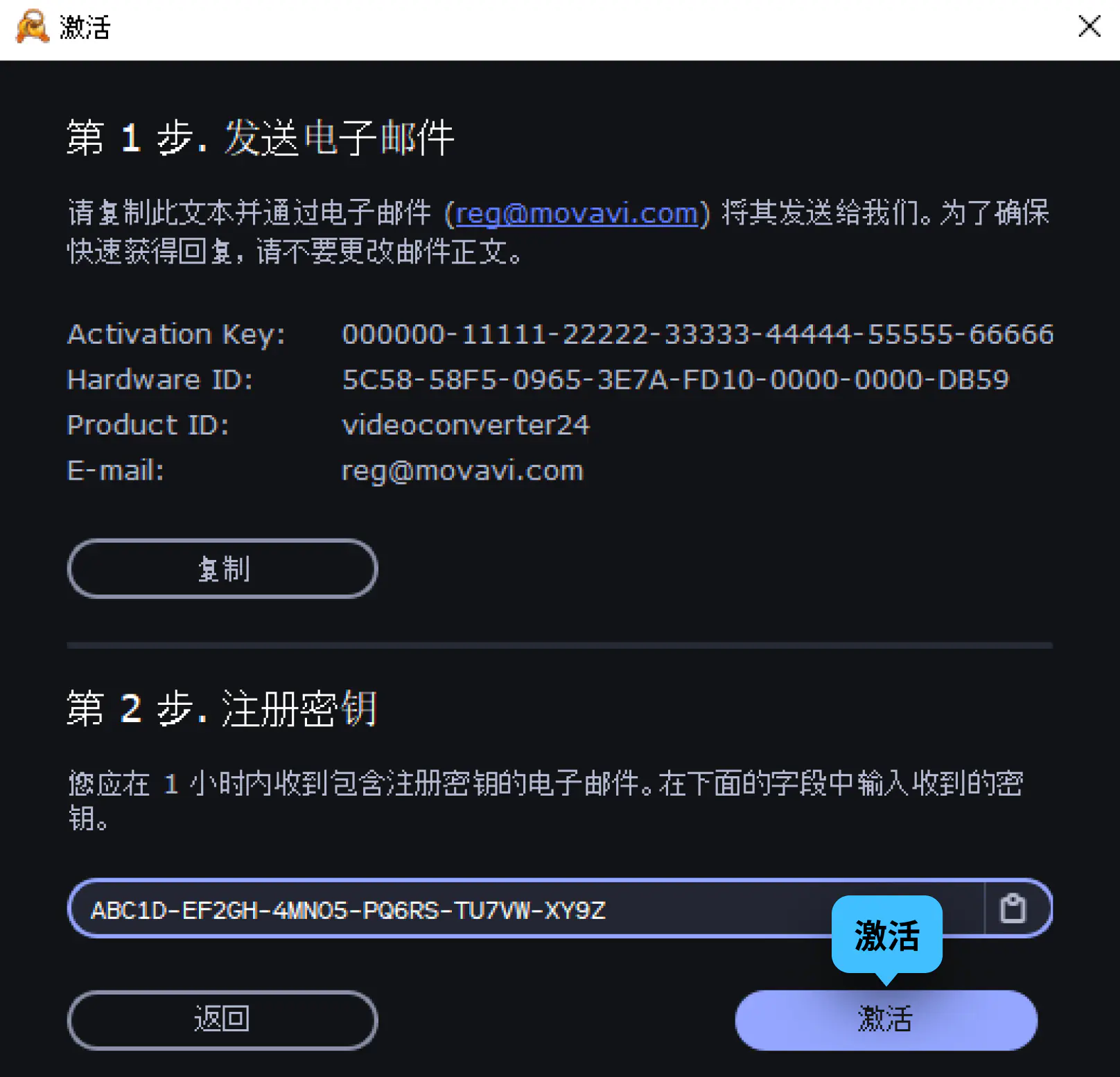
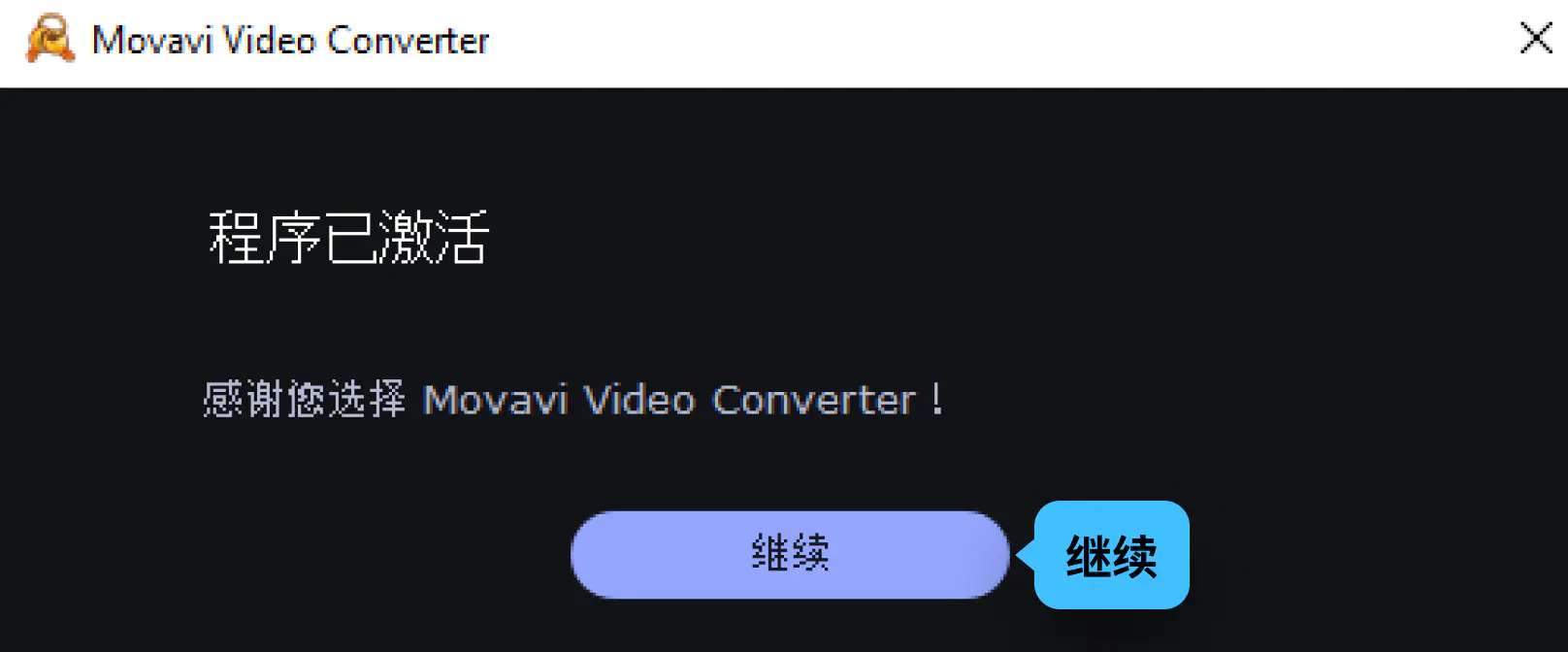
You will see a confirmation message indicating successful activation. Click 'Continue' to complete the activation process and close the 'Activation' dialog box.